
How Do You Write a Good Google Review?
A good Google review says what you had done, when, who helped, what it cost and how it turned out, in about a paragraph. What to include, what Google's rules keep out, and a template to copy.
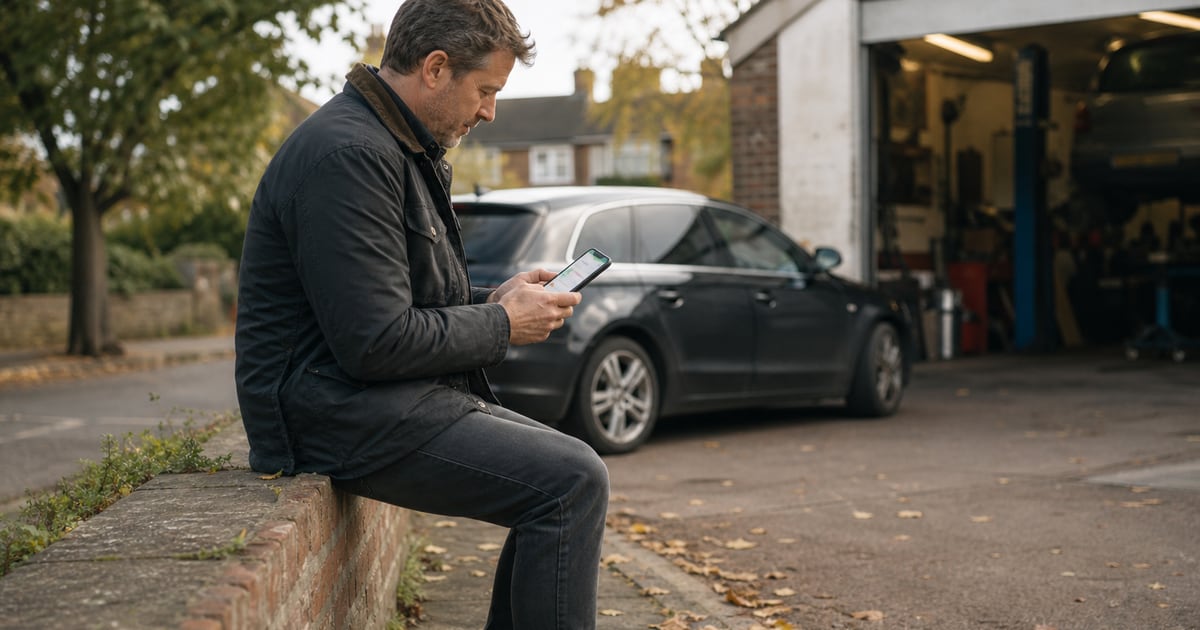
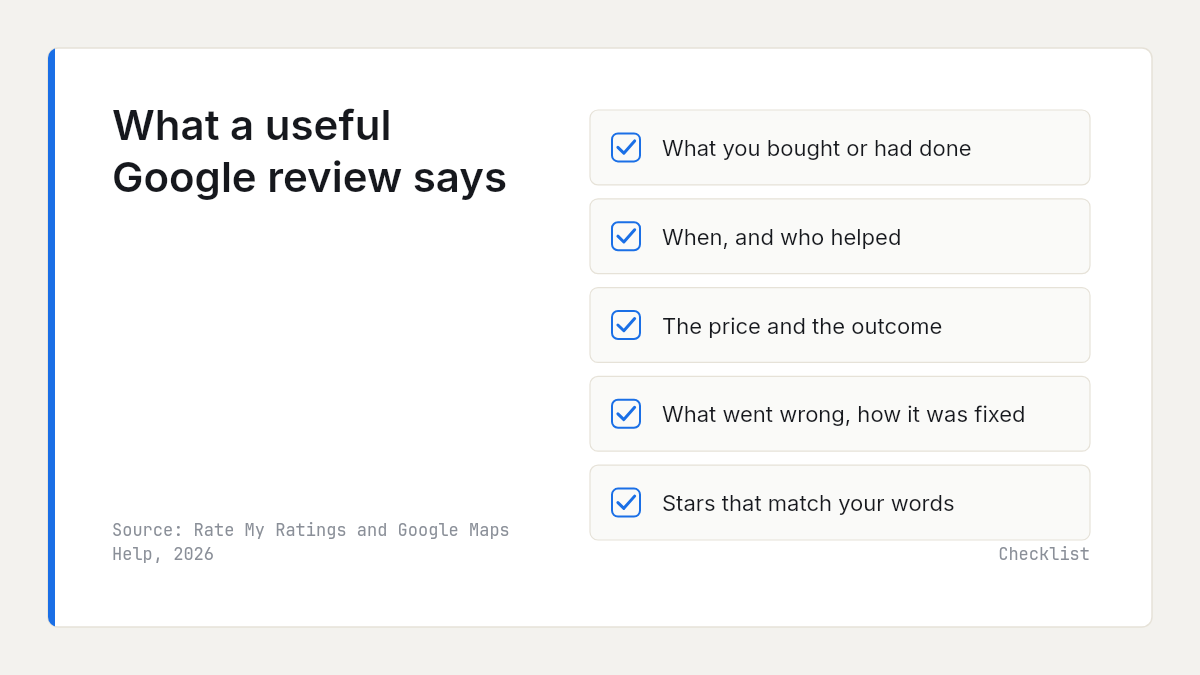
To write a good Google review, say what you bought or had done, roughly when, who helped, what it cost and how it turned out, and if something went wrong, how the business handled it. Keep it to about a paragraph, give a star rating that matches your words, and leave out anything personal, off-topic or written in return for a reward.
This guide covers the six details worth including, how long a review should be, photos, what Google's rules keep out, a template and editing later. The last section is for businesses that want to share it with customers.
What makes a Google review useful?
A review is written once and read by strangers for months, and each of them wants to know what would happen if they booked the same. Google's own tips for contributing high quality reviews say the same: be specific and relevant to the place, describe what other visitors are likely to experience, include both the positive and negative sides, and keep criticism constructive.
Readers agree. In BrightLocal's 2026 Local Consumer Review Survey of 1,002 US consumers, high-quality spelling and grammar mattered to 36%, while a long and detailed review came last of ten factors, at 26%. Detail helps the reader; length for its own sake does not. Our guide to what customers look for in reviews covers the reader's side in full.
Six details that make a review worth reading
Most reviews say how the reviewer felt. The useful ones also say what happened:
| Detail | Why it helps the next reader | Example line |
|---|---|---|
| What you bought or had done | Shows whether the review applies to them | "Full service and MOT on a ten-year-old car." |
| When | Shows how recent it is | "Booked on a Monday in early November." |
| Who helped | Credits a person, by first name or role | "The receptionist explained the options." |
| Price against the quote | The detail unhappy customers raise most | "The bill matched the written quote." |
| The outcome | Whether it worked, not just how it felt | "Three weeks on, the leak has not come back." |
| What went wrong, and how it was handled | Often the most useful line of all | "They were a day late, but rang ahead." |
Price matters more than its share of praise suggests. Across 524,000 recent Google reviews in 130 local markets in the UK and Australia, 25% of one- and two-star reviews mention price, fees or quotes, and 22% mention communication. Five-star reviews mostly praise people: 41% mention friendly, helpful or kind staff, but only 5% mention price or value. A happy review that says the price was fair tells the next reader something most five-star reviews leave out.
How long should your review be?
About a paragraph. Google's tips call a paragraph "a great length for a review", which is enough room for the six details above.
Happy customers usually write far less. In our data, 83% of recent reviews include written text, and the median five-star review with text runs to 27 words, against 74 words for a one-star review.
Google shows how many helpful votes a review has, and only about 2% of recent reviews in our data have even one. Reviews over 200 words were more than four times as likely to have one as reviews under 20 words (5.7% against 1.3%). That does not mean you need 200 words; it means a review with something specific in it gets used. Google does not publish how it orders reviews; our guide on how Google sorts reviews covers what we can see.
Make the stars match the words
The star rating feeds the average; the words are what the next reader trusts. In our data, 17% of recent reviews are star-only, and a rating with no explanation tells a reader very little, as our guide to Google reviews vs ratings explains.
Choose the stars for the whole experience, then check the words support them. Four stars with "nothing to fault" confuses readers, and so does five stars above a paragraph of complaints. A three- or four-star review that explains itself is often the most useful one on a profile.
Google may also ask optional questions as you write, such as how much you spent per person. Its page on how Google uses information in local listings says those answers gather data on typical spending, and that Google uses AI to summarise reviews from the past year. Answer the ones you know.
Should you add a photo?
Add one if it shows something words cannot: the finished job, the room, the damage. Across 297,844 recent reviews of UK businesses in 20 trades, 7.9% include at least one photo, so a clear image stands out on most profiles.
Google's tips ask for photos taken at the right place, with no selfies, no text laid over the image and no blur. Keep other people out of the frame: Google's policy counts a person's face posted without consent as personal information. Our guide to photos in Google reviews covers what they do for the business.
What not to include in a Google review
Google's prohibited and restricted content policy applies to every review. The parts most likely to catch out a customer:
- Other people's personal details. A full name or surname posted without consent counts as personal information, unless the person is a public-facing professional trading under their own name, such as a doctor, lawyer or contractor. A first name alone is not on that list.
- Off-topic commentary. Write about your own experience at that place, not general, political or social commentary.
- Conflicts of interest. Do not review a current or former employer, a relative's business or a competitor.
- Anything you were rewarded for. Reviews posted because of an incentive, such as payment or a discount, are removed. Our guide to review incentives in the UK explains the rules.
- Allegations you cannot back up. The policy bans unsubstantiated allegations of unethical behaviour or criminal wrongdoing. Describe what happened, not what you suspect.
- Contact details and links. No phone numbers, email addresses or website links.
You need to be signed in to a Google Account to review, but it does not have to be Gmail; see our guide to a Google review without Gmail. Google's help page on adding reviews also says you cannot post anonymously and all reviews are public, so write nothing you would not sign.
A template to write a good Google review
You do not need to be a natural writer to write a good Google review. Fill in the brackets and delete what does not apply:
[What you bought or had done] in [month]. [Who helped, by first name or role, and what they did well]. The price was [in line with the quote, or more because...]. [How it turned out]. [If anything went wrong: what happened and how they handled it.]
An invented example of how it reads:
Boiler service and a new thermostat fitted in early November. The engineer arrived in the slot we were given, explained what he was changing and cleaned up afterwards. The price matched the written quote, and two weeks on the heating comes on when it should. Four stars only because booking took three phone calls.
Can you edit a Google review later?
Yes. On a computer, open Google Maps, select Menu, then Your contributions, then Reviews, then More next to the review, and choose Edit review or Delete review. You can change the text, the stars and the photos, and the date of the last edit then shows as the review's post date.
If a business puts right a problem you complained about, add a line saying what they did rather than deleting the review. The next reader learns how the business handles problems. Our guide to whether a customer can edit or delete a Google review covers both in more detail.
Sharing this guide with customers: what businesses can and cannot do
If you run a business, sharing a guide like this is fine. A review that says what you did, when and for how much helps your next customer far more than "great service". The line is between helping customers write and telling them what to say.
Google's policy says merchants should not request that specific content be included, selectively solicit positive reviews, or pressure customers to review on the premises. It also rules out asking staff to collect reviews with content that identifies a staff member.
- Do share general prompts, like the six details above, with every customer you ask.
- Do not send a script, suggested wording or keywords, or ask customers to name a member of staff.
- Do not send it only to customers you expect to be happy. That is review gating, and it is banned.
- Do not attach a reward. UK consumer law bans fake reviews and concealed incentivised reviews, as the CMA's short guide for businesses on consumer reviews sets out.
To see what those details add up to across your area, a Rate My Ratings market report shows each business's Google rating, review count and share of positive reviews, and the themes customers praise and complain about across the market.
The short version
- To write a good Google review, say what you had done, when, who helped, what it cost and how it turned out.
- If something went wrong, say how the business handled it.
- Aim for about a paragraph, with stars that match your words, and a photo only if it shows something useful.
- Leave out surnames, other people's faces, off-topic comments, rewarded reviews and allegations you cannot prove.
- Businesses can share this guide with every customer, but must not script, filter or reward reviews.
Frequently asked questions
- What is a good length for a Google review?
About a paragraph, which Google's own tips describe as a great length for a review. That is roughly 50 to 150 words: enough to say what you had done, when, what it cost and how it turned out. In our data the median five-star review with text is 27 words, so a few specific sentences already say more than most.
- Can I name a member of staff in a Google review?
A first name is a kind way to credit someone, and it is not on Google's list of personal information. Google's policy does treat a person's full name or surname as personal information if posted without consent, unless they are a public-facing professional trading under their own name, such as a doctor, lawyer or contractor. In a complaint, describing the role is often better than naming anyone.
- Can I change my Google review after posting it?
Yes. In Google Maps on a computer, open the menu, select Your contributions, then Reviews, and choose Edit review or Delete review from the More option beside it. You can change the text, the stars and the photos. Google then shows the date of your last edit as the review's post date, so an update reads as current.
- Is it OK for a business to tell me what to write in a review?
No. Google's policy says businesses should not request that specific content be included in reviews or ask only happy customers, and reviews written in return for a reward are removed. A business can ask you for an honest review and share general tips like the ones in this guide, but the words, the stars and the choice to write anything at all are yours.

Rate My RatingsNewsletter
What reviews say about local markets, in your inbox.
New articles and findings from the blog, as they're published.
Check your inbox.
If this address isn't subscribed yet, we've sent it a link to confirm. Nothing is sent until you click it.
That didn't go through. Check the email address and try again.
Hold on a moment, then subscribe again.
Rate My RatingsNewsletter
What reviews say about local markets, in your inbox.
New articles and findings from the blog, as they're published.
Check your inbox.
If this address isn't subscribed yet, we've sent it a link to confirm. Nothing is sent until you click it.
That didn't go through. Check the email address and try again.
Hold on a moment, then subscribe again.